Introduction: The Portfolio I Nearly Sent
Several years ago, I needed to prepare a portfolio for a freelance job. Like many novices, I presumed that the most difficult task would be generating something good.
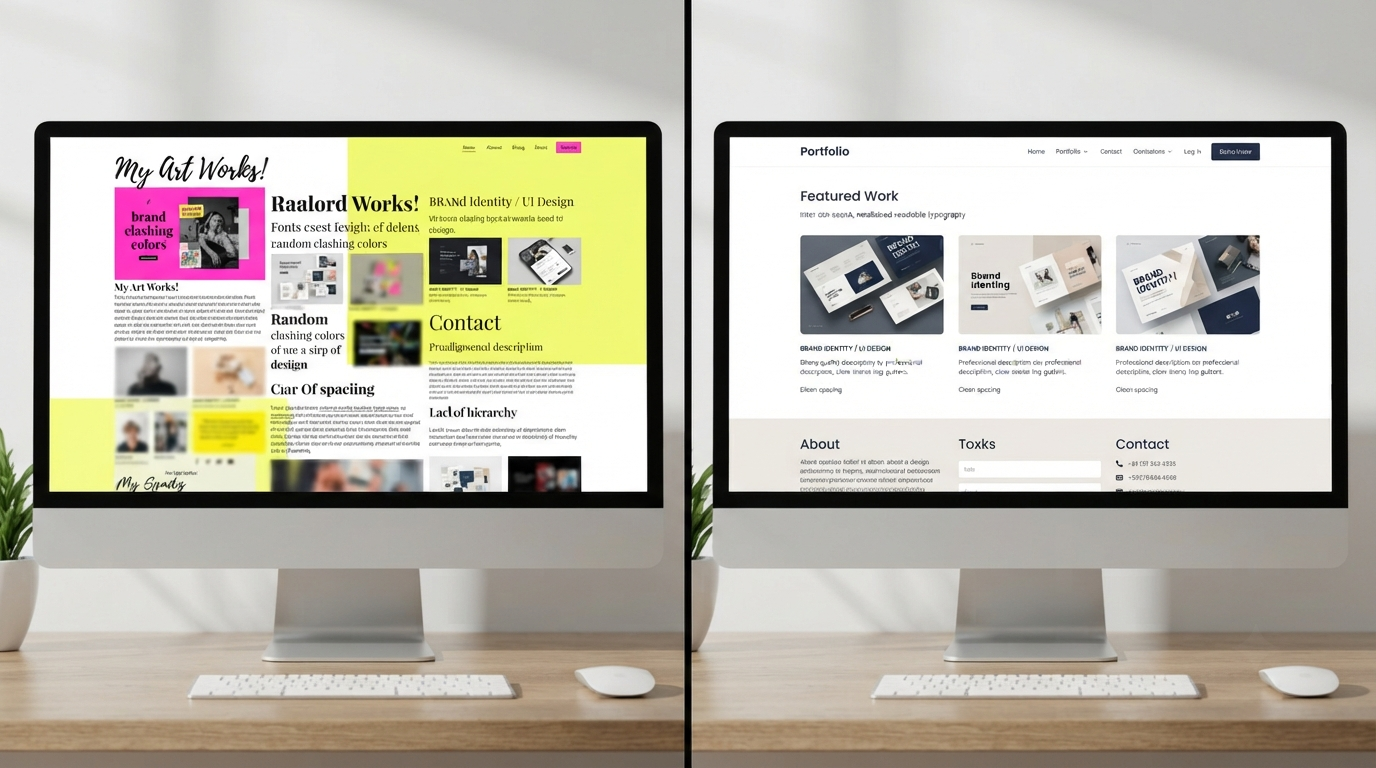
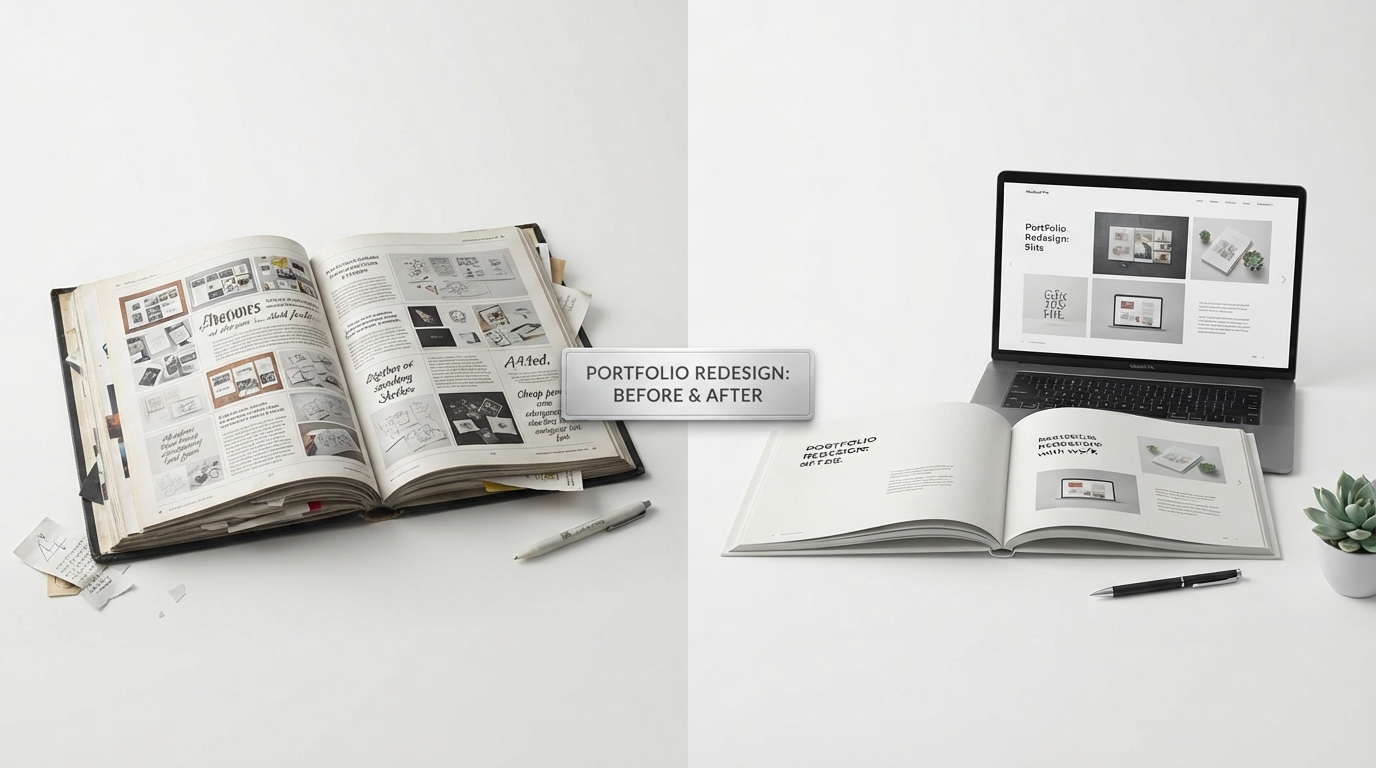
I managed several works that I was truly proud of, but once I put them into a random portfolio template, the whole composition didn’t look right. Discrepancies in fonts and spacing, overly bright colours, and pages stuffed with information made the entire portfolio look chaotic rather than professional. In retrospect, the issue lay not in my work. It was all about how I presented it.
Instead of sending that portfolio to a prospective client, I spent some time looking through Canva Portfolio Templates.
I began to notice something rather curious after only a couple of weeks. People started spending more time examining my portfolio, had much easier conversations because my work was well organised, and I became much more confident presenting it.
That taught me a valuable lesson.
A professional portfolio is not a matter of finding the most creative template available. A professional portfolio is a template that lets your work speak for itself.
Whether you’re a student looking for internships, a freelancer searching for new clients, a designer creating your own brand, or the owner of a small company presenting your services – the right Canva Portfolio Template will help you showcase your work effectively.
In this guide, I will share some valuable tips I have learned from working with Canva Portfolio Templates. You will know how to find the right template, avoid common mistakes, learn which templates suit different types of occupations best, and much more.
But the idea is not just to create an aesthetically pleasing portfolio. The main goal of the portfolio is to make sure people can easily see who you are, what work you do, and why it’s worth noticing.
Answer in Brief
How to select the correct Canva Portfolio Template?
To select the correct Canva Portfolio Template, one needs first to understand its purpose, rather than choosing the first nice-looking design. The portfolio needs to be compatible with your profession, contain only the best of your work, use easily readable fonts, have consistent colours, and have plenty of white space. Also, it has to be compatible with mobile devices, as most recruitment companies review portfolios in digital format. The main thing to remember is to customise your template rather than use the original as is.
What Are Canva Portfolio Templates?
Canva Portfolio Templates are pre-designed templates that help you organise all your projects in one place and create a professional portfolio without having to create every single page yourself.
This is why Canva is very helpful for beginners, as they may not have any experience with design software. Even experts use templates because they save time and give them a professional look.
Portfolio templates generally consist of the following:
- Cover Page
- About Me
- Selected Works
- Skills
- Services
- Testimonials
- Contact Details
However, these templates serve as a basic framework rather than a final portfolio design. The best portfolios will always be those that have been customised to your own experience.
The one thing that I generally see is people downloading a template and simply filling in their text. This way the portfolio would generally look similar to many others. You can make it more distinctive by spending some extra time on its formatting and colour scheme, without needing to be a design expert.
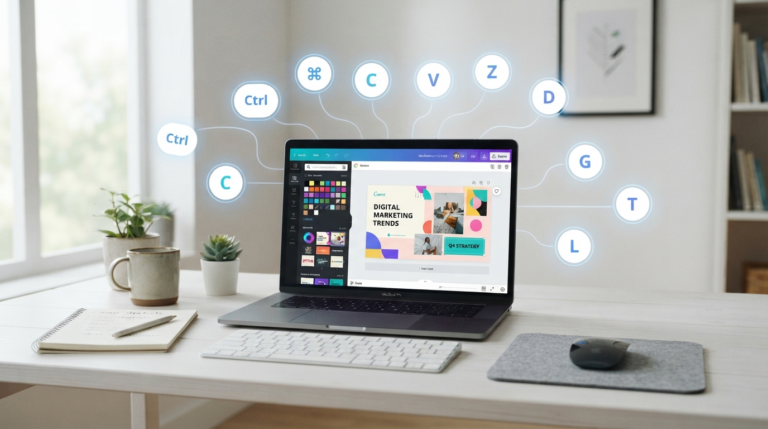
You May Also Like: 25+ Essential Canva Keyboard Shortcuts for Windows, Mac & Web to Work Faster (2026 Guide)
Why Canva Portfolio Templates Have Become So Popular
Designing a portfolio from scratch is daunting, particularly for those without design skills. Templates reduce the stress of designing a page from scratch by providing an organised layout and design rules.
In the past few years, I have seen more students, freelancers, photographers, writers, marketers, architects, and business owners using Canva for its simplicity.
This is attributed to several factors, including:
Easy to use
Many individuals can start working on their portfolios immediately, without prior design knowledge.
Time-saving
There is no need to spend long hours organising the portfolio’s elements, as everything is already set up.
Professional look
Good design templates help maintain a consistent look, which can take a lot of time when done from scratch.
Flexible editing
Editing aspects such as colours, fonts, images, icons, and layout is very easy.
Various Ways To Export Your Portfolio
After creating your portfolio, you can save it in various ways depending on where you plan to share it. You may save it for posting online, emailing, or printing for your presentations.
In my opinion, one of the most important benefits is increased confidence. Once your portfolio is well organised, you feel confident sharing it with any recruiter or client.
When Is It Advisable To Use Canva Portfolio Template?
There is a common misconception that portfolios are designed only for graphic designers. The fact is that anyone working in any field may need to present their projects.
Students
They may present their academic works such as projects, internships, certificates, presentations, and other research for scholarship or internship applications.
Freelancers
Freelancers compete with hundreds of others offering similar services. To attract clients, you should provide information about yourself in the clearest and most convenient way.
Graphic Designers
They can show branding projects, social media posts, logos, packaging design, illustrations, etc.
Who Should Make Use of Canva Portfolio Templates?
The most common myth about portfolios is that they are intended only for graphic designers. The truth is that almost any career can benefit from an organised presentation of work.
Students
Students can use their portfolios to present academic work, internships, certificates, presentations, research, and extracurricular activities for internships, scholarships, and graduate applications.
Freelancers
Freelancers usually compete with numerous professionals who offer the same services. A good portfolio will help future clients get an idea of the quality of your work before even meeting you.
Graphic Designers
Graphic designers can showcase branding work, social media designs, logos, packaging, illustrations, and client projects.
Photographers
A photography portfolio should not have any design elements that distract from the main part of the work –the photographs.
Writers
Writers can compile articles, case studies, blog posts, technical documentation, marketing campaigns, and other types of writing into a single professional document.
Architects & Interior Designers
Project photographs, floor plans, concepts, and final results can be presented clearly to explain the design process.
Small Business Owners
Businesses can use portfolio layouts to exhibit their finished projects, success stories, company achievements, products, and services.
Regardless of your industry, the objective is always the same. The portfolio must make it easy for the reader to find what you are capable of without having to search hard for that information.
Before Choosing Any Portfolio Template
Before going through hundreds of templates at Canva Portfolio, answer some easy questions first.
Who will see your portfolio?
A recruiter’s expectations will differ depending on whether they are working with a creative agency or a freelance client.
What is a primary objective?
Is it to apply for a job, attract clients, publish your academic assignments, or promote your business?
Would it be viewed on the Internet or printed?
A digital portfolio can have large visuals,s whereas a printed portfolio might require more spacing and better readability.
What kind of work will you be showing off?
Your portfolio can be about photography, architecture, writing, marketing, or product design.
How would you like to be perceived?
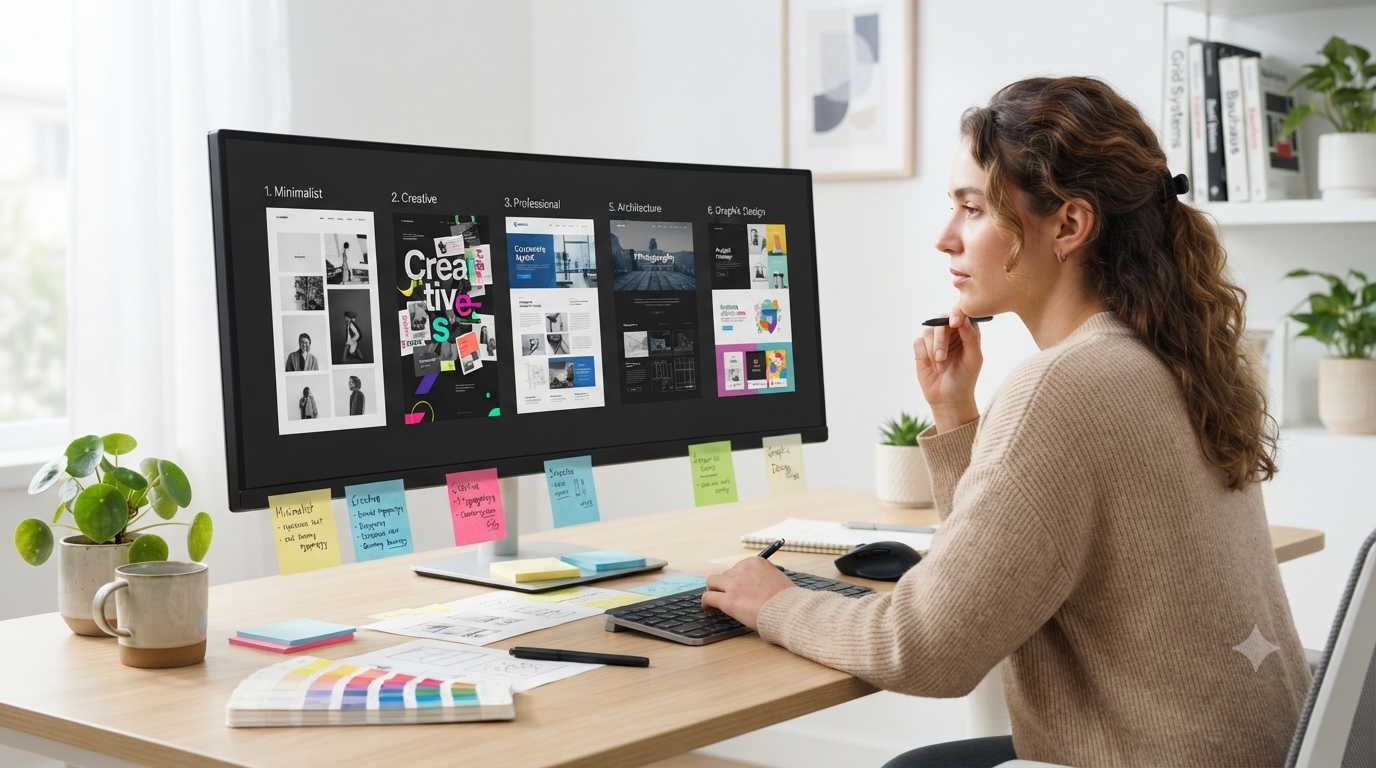
Professional, creative, contemporary, minimalistic, or corporate.
Once I began posing such questions to myself before choosing the right template, I no longer wasted time trying out numerous designs at random; I could easily find the ones that were useful to me.
You May Also Like: How to Curve Text in Canva: 7 Common Mistakes and Easy Fixes (2026)

10 Practical Tips to Pick the Perfect Canva Portfolio Template
Selecting a portfolio template shouldn’t be based on which one catches your eye. Instead, you should aim to pick one that allows others to easily understand your portfolio and remember it after they close your document.
Over the years, I have reviewed portfolios from students, freelancers, and startups. What set them apart was not creativity but rather clarity.
Here are the lessons which have been the most valuable to me personally.
1. Pick the Template Relevant to Your Profession
Each profession is unique. Thus, your portfolio should be too.
For example, it would be helpful for a graphic designer to use a bold template that allows them to showcase visuals. At the same time, a writer may require a simple template with easily readable text.
2. Make the Design Simple and Scannable
Not everyone reads all the words at first glance.
It takes time for recruiters, clients, and hiring managers to decide whether to proceed with the reading process. If you clutter your pages, you’re likely to miss some vital information.
A good design must have:
- Section headings
- Uniform spacing
- Sufficient white space
- Proper page order
- Appropriate images and text balance
Every time I finish designing a portfolio, I step back and ask myself one question.
Can someone comprehend this page in five seconds?
If not, I simplify the design.
3. Show Your Best Stuff First
Human beings tend to remember things that they saw first.
Don’t wait till the last page to present your best project. Start with your highest-quality project right from the beginning.
For example, consider movie trailers. They show the best moments first because they need to grab attention at once.
Your portfolio must follow the same logic.
A student can begin with the best project from their time at university. A photographer can use the collection of photos they like the most. A freelancer can kick off with a client project which proves their success.
Opening pages set expectations for the rest.
4. Prioritise Readability Above All
There is no point in having beautiful typography if people find it hard to read.
People who start with web design use decorative fonts since they stand out from the crowd. But they often reduce readability.
A professional portfolio should be easy to read.
It’s good to limit yourself to:
- One header font
- One body font
- Consistent font sizes
- Paragraphs’ comfortable spacing
One of my first portfolios featured three font types because I tried to make each section unique. But now it looks chaotic and unprofessional. Simplification helped me instantly improve the portfolio’s appearance.
Great design is barely noticeable because there are no distractions when reading.
5. Develop Your Visual Language
Colours make an impact, but only if used consistently.
Don’t apply a unique colour scheme to each page – select a few colours that speak about you.
For instance:
- The photographer can rely on neutral colours highlighting their pictures.
- The creative designer will have some accent colours.
- The business consultant should opt for a more professional colour scheme.
Consistency is your key to trust.
If all pages follow the same visual trend, it won’t be accidental anymore.
6. Make Customisation to Your Template Rather Than Keeping It As Is
Templates serve as the starting point.
However, you don’t need to have the same portfolios as other freelancers.
There are many ways to make a portfolio unique, even with small changes.
You can customise:
- Color palette
- Font style
- Iconography
- Cover page
- Projects description
- Photos
- Order of sections
Once, one of my clients just changed sample images in the template and saved it. After some time, we found another portfolio on the Web similar to the first.
After applying several customised changes, the second one became much more memorable.
7. Think About the Devices Your Portfolio Might Be Seen On
The audience might view your portfolio on a computer, smartphone, or tablet.
Other people might download your portfolio in PDF.
Some will even print it.
Before exporting your portfolio, try it on different devices.
Find out whether:
- The text is still readable.
- The images are still sharp.
- The order of pages makes sense.
- All necessary information is visible without extra zooming.
8. Use High-Quality Images
The images are often the most powerful part of any portfolio.
The sad thing is that it is also one of the most common reasons a portfolio appears unprofessional.
Do NOT use:
- Blurred images (screenshots)
- Low-resolution graphics
- Stretching
- Images of different sizes
If your work depends significantly on visuals, do NOT compromise on their quality.
I always zoom into all my projects before saving the final version. And this little trick has saved me from several blurred images.
9. Explain Why You Created Something
Many portfolios showcase their projects without providing explanations for them.
A brief description will help you add some valuable information for the readers.
Rather than saying:
Website Design
Tell them:
“I designed a responsive website for a local company trying to make its site easier to navigate and book appointments.”
This little addition will give people the opportunity not only to see what you have done, but also why it was needed.
People love stories more than images.
10. Review Your Portfolio as Though You Are Looking at it For the First Time
This step is usually the most crucial part.
Having spent many hours editing it, you will find it tough to identify even the smallest error.
Before handing over your portfolio to anyone:
- Spelling check.
- Contact information verification.
- Checking headings.
- Identifying any misalignment.
- Elimination of duplicate content.
- Ensure that each page adds value to the portfolio.
Whenever possible, have another person check it out.
Typical Errors People Make When Using Canva Portfolio Templates
Even great templates will not save the day if there is no good presentation.
Here are typical errors that I observe.
Choosing style over quality
There is no use in having a fancy portfolio if it is impossible to understand what the content is about.
Including all projects
Usually, quality wins out over quantity in a professional presentation.
Five really good projects make a bigger impact than twenty just okay ones.
Using long paragraphs
In most cases, people first scan a text and only then read it in detail.
Make sure to be brief but clear.
Failing to maintain consistency
Switching fonts, colour schemes, spacing, and layouts on every other page makes your portfolio look unprofessional.
Omitting your contacts
This one may seem too obvious, but it does happen often enough.
Make sure anyone can easily contact you after reviewing your portfolio.
Canva Free vs Canva Pro For Portfolios
There are often questions about whether Canva Free is enough for designing a portfolio.
In most cases, the answer is positive.
If you are making a portfolio for the first time, Canva Free offers many templates and customisation options to help you create a nice portfolio.
Canva Pro is necessary if you do a lot of presentations, marketing or branding designs, and need additional template options.
The main thing is not the license.
The main thing is what portfolio you make.
I saw wonderful portfolios built on free software and poor portfolios with premium licenses.
Presentation quality is always much more important than expensive software.
My Simple Portfolio Creation Process
Every time I create a portfolio, I stick to a certain workflow.
Firstly, I select my best projects.
Secondly, I select a template corresponding to the nature of the work I want to highlight.
Thirdly, I insert my content into the design where the placeholders are, and I do not leave the design intact.
Fourthly, I check the font, spacing, colour, and image quality.
Lastly, I export the portfolio, preview it on different devices and read it again.
The consistent use of this process allows me to avoid the last-minute rush.
Portfolio Quick Checklist
Before submitting your portfolio, ensure that you can tick YES to all of the following questions.
✓ Has your portfolio introduction been provided through the cover page?
✓ Is your best project presented first?
✓ Are fonts used consistently?
✓ Are all images clear and of high resolution?
✓ Is there adequate white space?
✓ Is every page essential?
✓ Have you included your contact details?
✓ Is it compatible for mobile and computer use?
✓ Have you proofread your portfolio?
✓ Would you be comfortable sending out this portfolio today?
Frequently Asked Questions
Is Canva Portfolio Template Free?
Yes. Canva provides various portfolio templates that can be edited even through its free platform. Advanced templates and additional options are accessible only via Canva Pro.
How many pages should the portfolio consist of?
This depends on the individual. Professional portfolios often emphasise quality over quantity.
Can students build a portfolio professionally in Canva?
Certainly, the Canva platform allows students to organise their academic work, internships, presentations, certificates, and achievements professionally.
Should I customise Canva Portfolio Templates?
Yes. Customising the portfolio with your unique colours, font style, images, and project description will make it more personalised and less like the same old template.
Which is better – Digital or Printed Portfolio?
Generally speaking, a digital portfolio is much more convenient due to its sharing capabilities. However, printed portfolios can be used in interviews or client presentation sessions.
What makes a portfolio professional?
A professional portfolio is all about simplicity, consistency, high-quality visual elements, an easy-to-navigate structure, and relevant projects rather than unnecessary design elements.
Conclusion
Finding the right Canva Portfolio Template is just a starting point.
Your main advantage will lie in the organisation, description, and presentation of the portfolio, which looks clear and professional from cover to back cover.
The most important thing I have realised is that people hardly remember the template you use. They remember how easy it was to understand the material within the template.
Rather than spending ages looking for the perfect template, select one that is helpful for your purposes, modify it, and continue refining it as your experience grows.
A portfolio must evolve along with your career. By updating your portfolio regularly with better projects and more detailed case studies, you will make it much more effective than changing templates every month.
Whatever you are – a student about to get your first chance, a freelancer trying to convince your clients or a professional with years of experience behind your back – your well-prepared portfolio will help you start interesting discussions that a résumé won’t.
Important Note: Each portfolio is unique since it contains different skills, professions, and aims. These useful recommendations are drawn from my personal experience using Canva Portfolio Templates to experiment, customise, and improve these designs. Although the recommendations offered here may be useful when choosing a portfolio template, one should always customise their portfolio to their profession and needs. As Canva templates change over time, it is advisable to refer to the official Canva website for up-to-date information. External references made here are for educational purposes only. Swisspik is an independent educational website and is not affiliated with Canva or any other company.